Tableau Training 2026: Tableau Maps Made Easy | Filled, Points, Dual Axis & Heatmaps (Session 5)

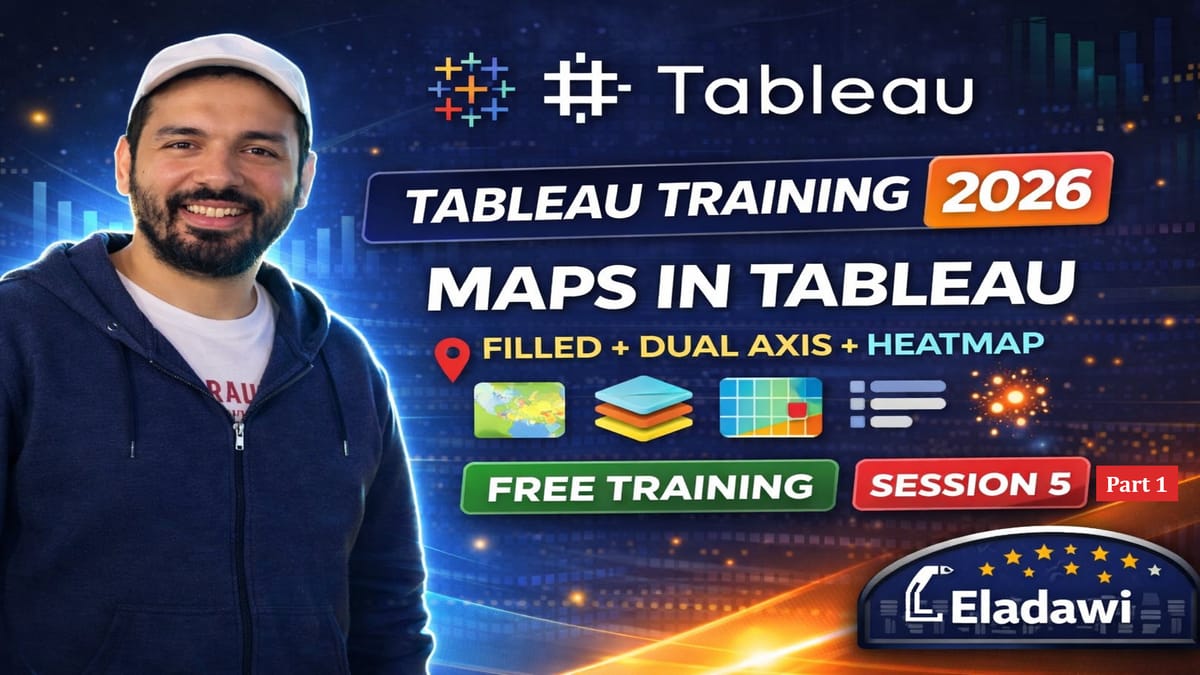
Sharing Session 5 of my Tableau Training 2026 Free Training in YouTube.
In Session 5, you’ll learn everything you need to know about Maps in Tableau (Basics + Intermediate). We’ll go step-by-step to build clean, professional Tableau maps—from fixing common latitude/longitude issues to creating filled maps, point maps, dual-axis maps, map layers, and density/heat maps.
This session is the foundation for advanced mapping (Session 6), where we’ll go deeper into spatial joins, buffers, line/area calculations, special layers, and advanced interactivity.
✅ What you’ll learn in this video:
- Map essentials: background maps + geographic data + geocoding
- Fix common Latitude/Longitude not recognized problems (text → number, geographic role)
- Build Filled Maps using Tableau’s built-in boundaries + fix “Unknown” locations
- Create Multiple Map Views for comparisons (operators / bands)
- Build a Dual Axis Map (2 layers overlay)
- Map formatting: styles, layers, washout, map options, scale, navigation tools
- Plot Point Maps with color ranges + better visibility (size/opacity/borders)
- Create a custom legend using simple IF logic (RSRP ranges)
- Intro to Map Layers using Geometry (MakePoint) + add a Sector layer
- Build a Heatmap / Density Map to find high sample/traffic concentration
📥 Download materials / files:
Tableau Free Training- Materials
 Mohamed ELAdawi
#Tableau #DataVisualization #BusinessIntelligence #Dashboard #Analytics